
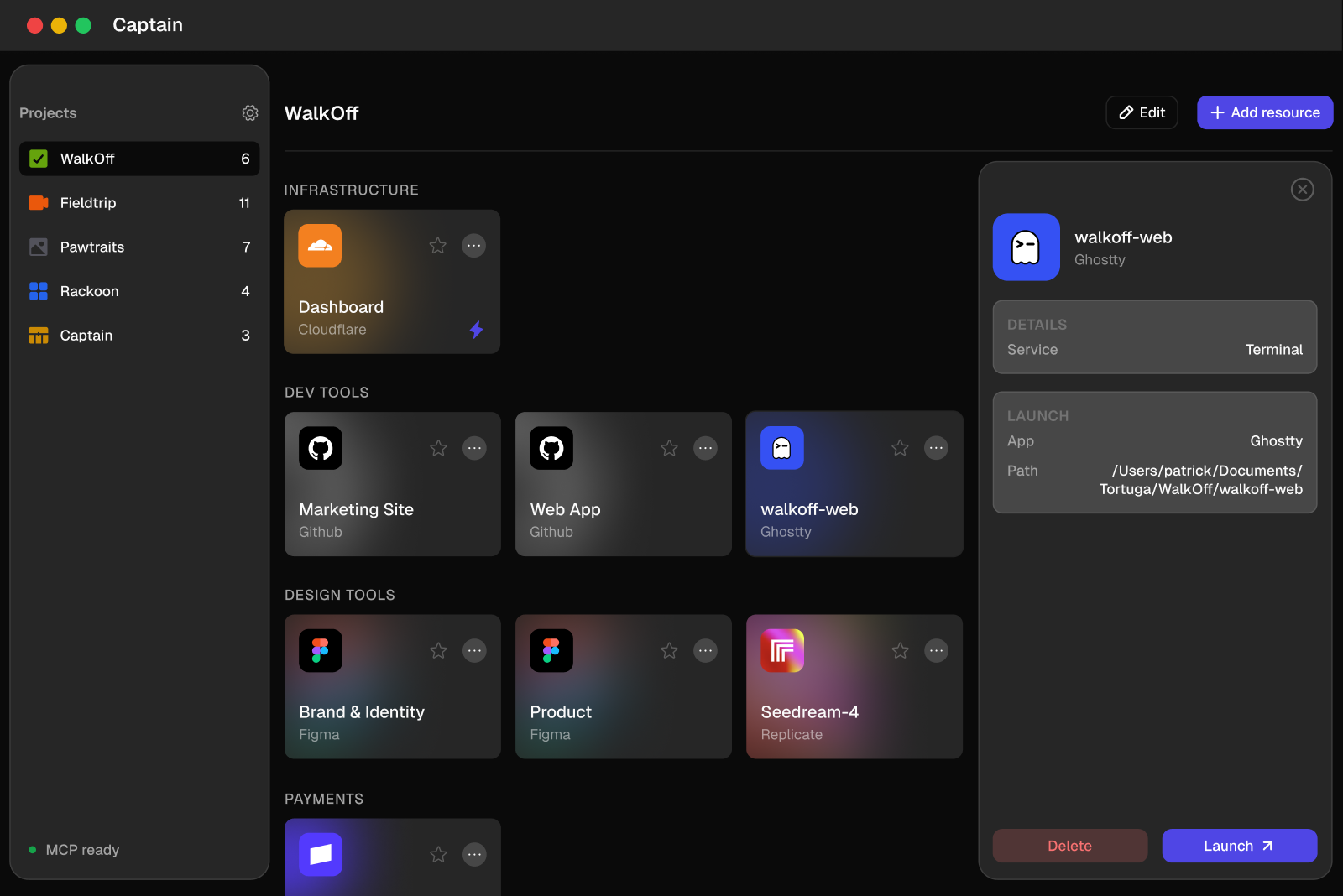
Captain is a free Mac app that puts every third-party service across all your projects in one place, one click away. A builder today runs a dozen services per project - Cloudflare, Supabase, Stripe, GitHub, Vercel, Neon - each with its own dashboard, login, and URL, which means the person building is the single point of failure for keeping track of all of it. Captain groups those resources into named projects, so everything for a given project is visible and reachable from one window. It's the most engineering-shaped of the tools Josh and I have built, and the one I'd wanted to exist for a long time. Design and product fell to me, along with a good part of the app itself.
Features
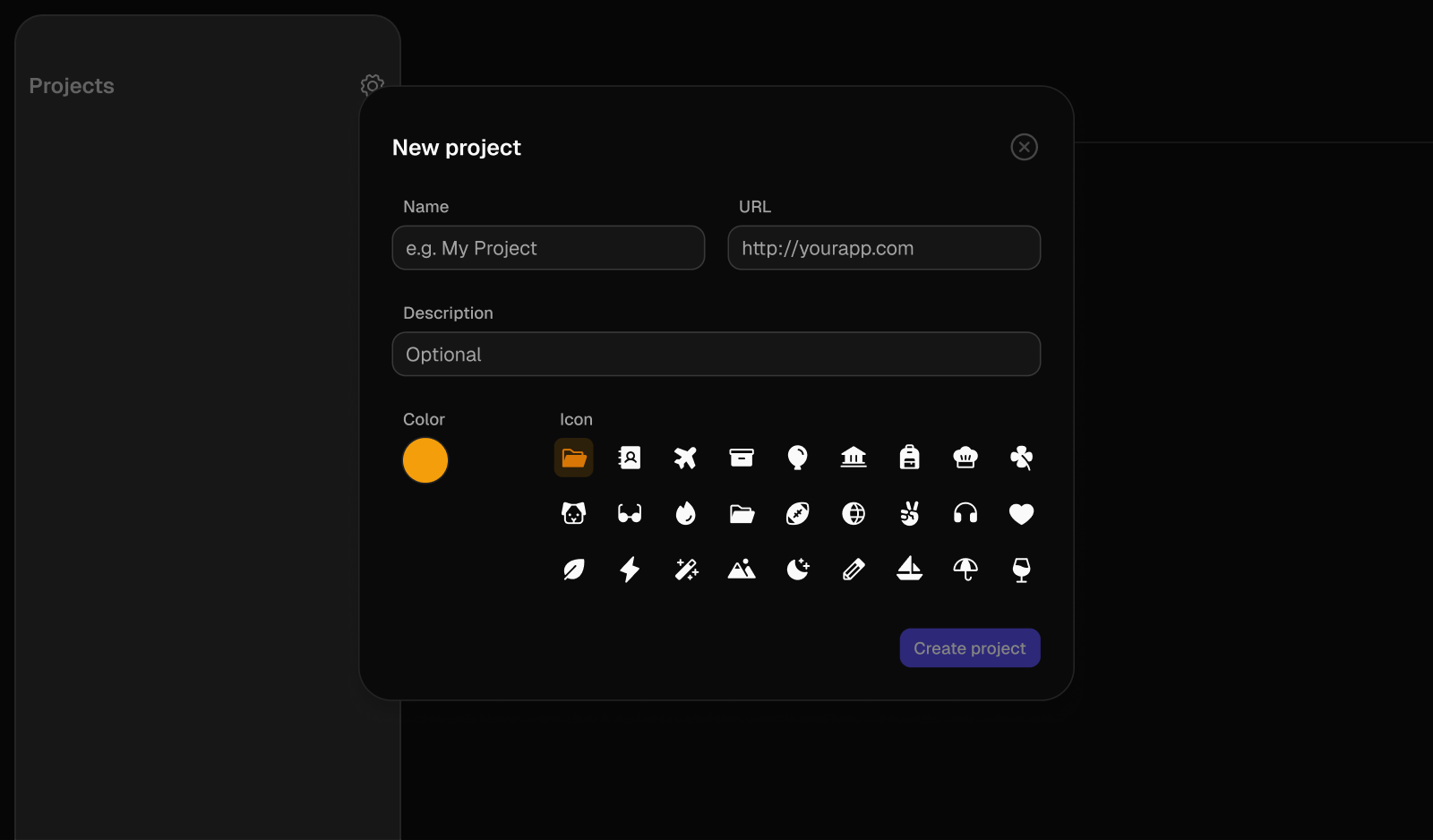
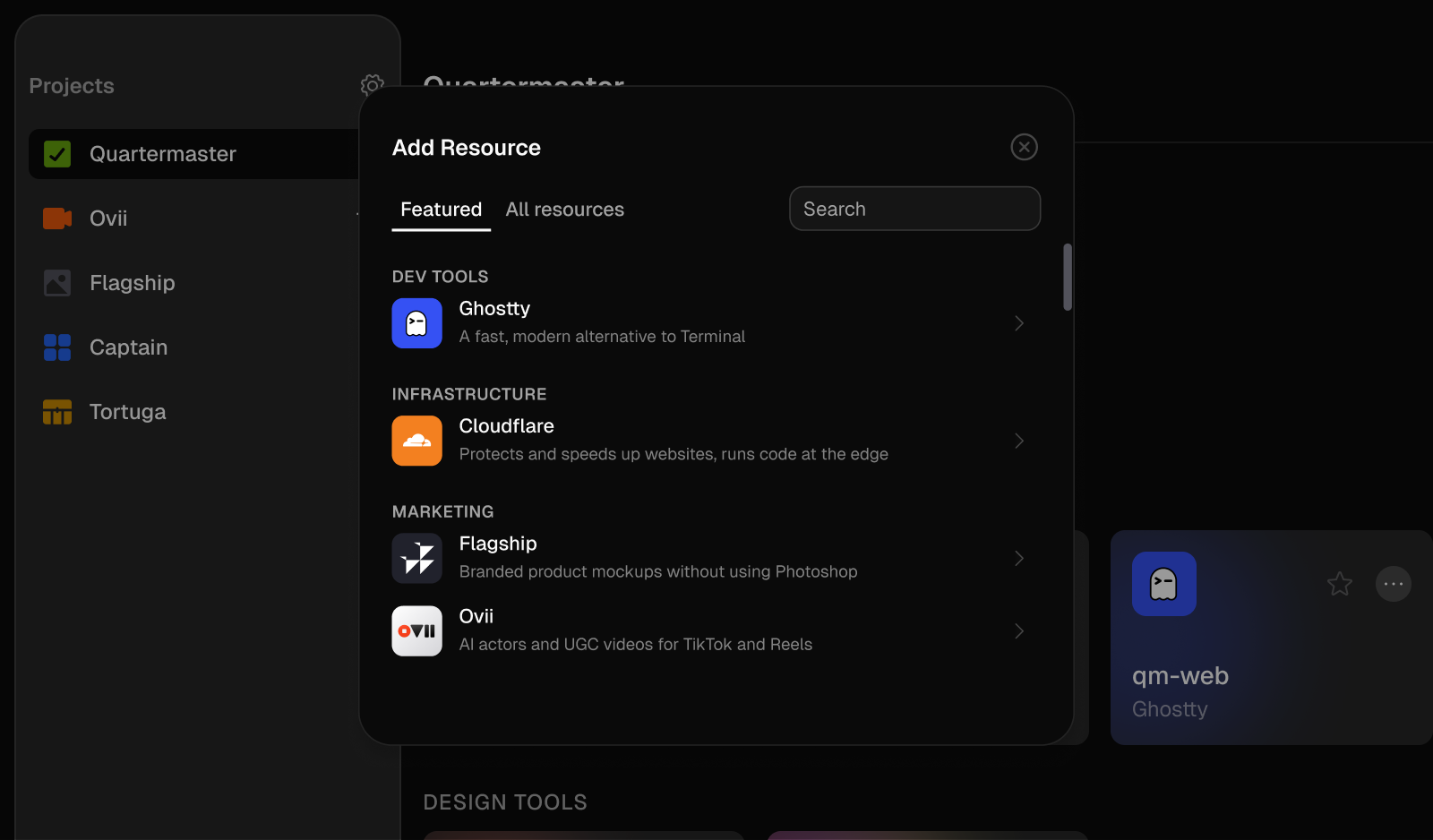
You group the services for a project into one view, and every resource opens in its native dashboard with a single click. Captain recognizes a dozen services out of the box, with the right icons and category grouping, and it's fully keyboard-driven for people who live in shortcuts. You can export every project to Markdown when you want your stack written down somewhere else.
Cloudflare is the one service with a deep integration. For everything else a resource is a simple name and URL; for Cloudflare, Captain pulls live details - bindings, routes, schedules, observability - so you can check the state of a worker without leaving the app.
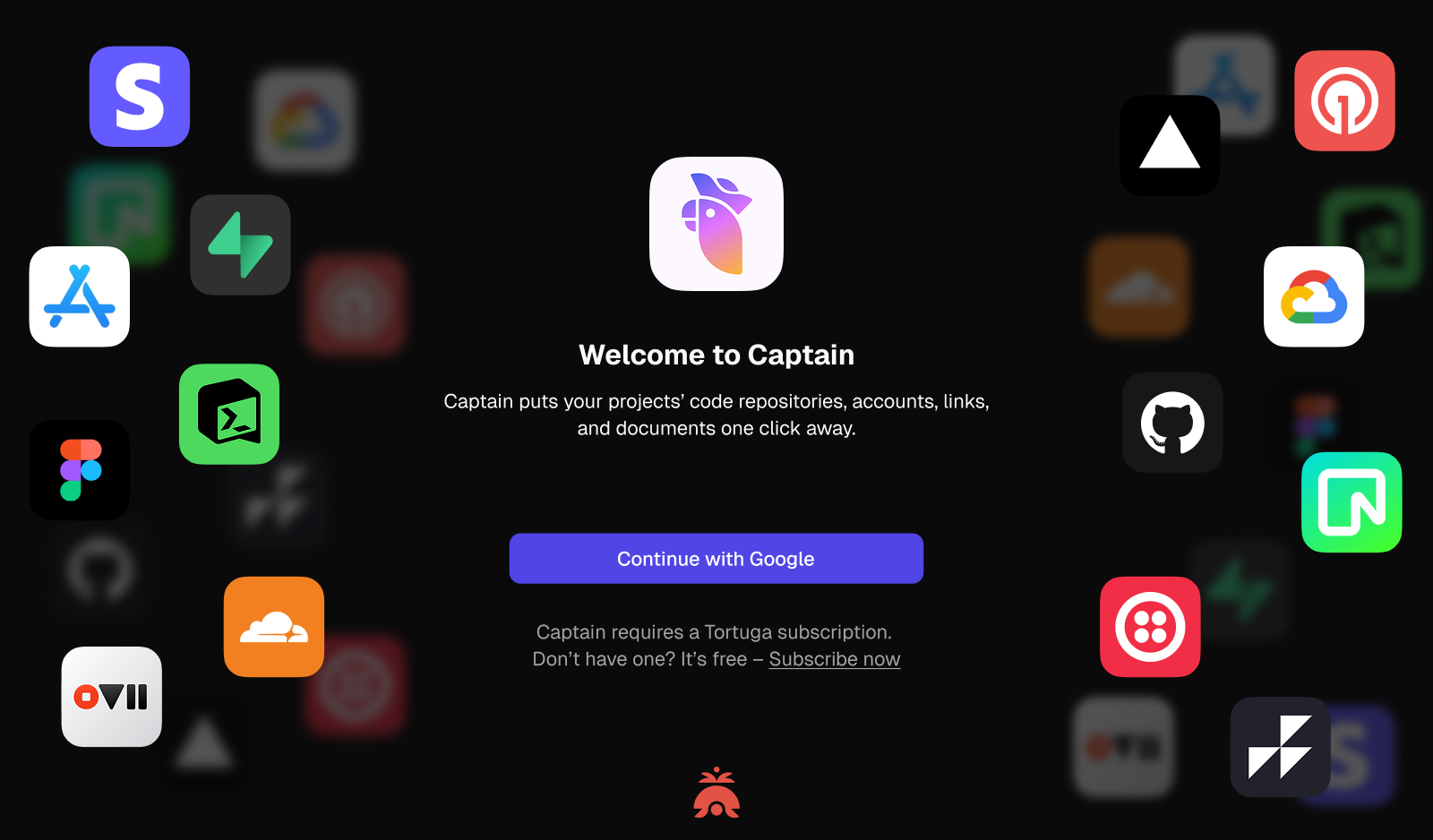
Everything is local. Project data, resource links, and API tokens stay on your Mac and never touch our servers. The app itself is deliberately calm - native SwiftUI, restrained color.
Strategic decisions
- One deep integration, not ten shallow ones. It would have been easy to ship thin integrations with every service at once. We went deep on Cloudflare and kept everything else a simple link, because one integration that actually saves you a trip to the dashboard is worth more than ten that half-work.
- Local-only by design. Storing project data and API tokens on the user's machine, never on ours, was both an architecture choice and a positioning one. The target user has been burned by tools that phone home, and "your tokens never leave your Mac" is a trust signal you can't fake with copy.
- Free, as the front door. Captain was a free entry point into the broader set of tools we were building. Free products invite a "what's the catch," so the work was framing it honestly: this is how you meet our work, not a trial wall with a countdown.
- Named for the story. It started as Portal internally, became Dock, then Captain. We moved off Dock because it collided with the macOS Dock and a handful of existing tools. Captain won because the story holds up - you're the captain of your stack, in command of it, and "captain your projects" works as a verb.
Learnings
The most useful thing Captain taught us wasn't something we designed for. It quietly became our team's notification hub for deployments - the place we'd check to see what had shipped and where, across every project. We built it to organize links, and people started using it to stay aware.
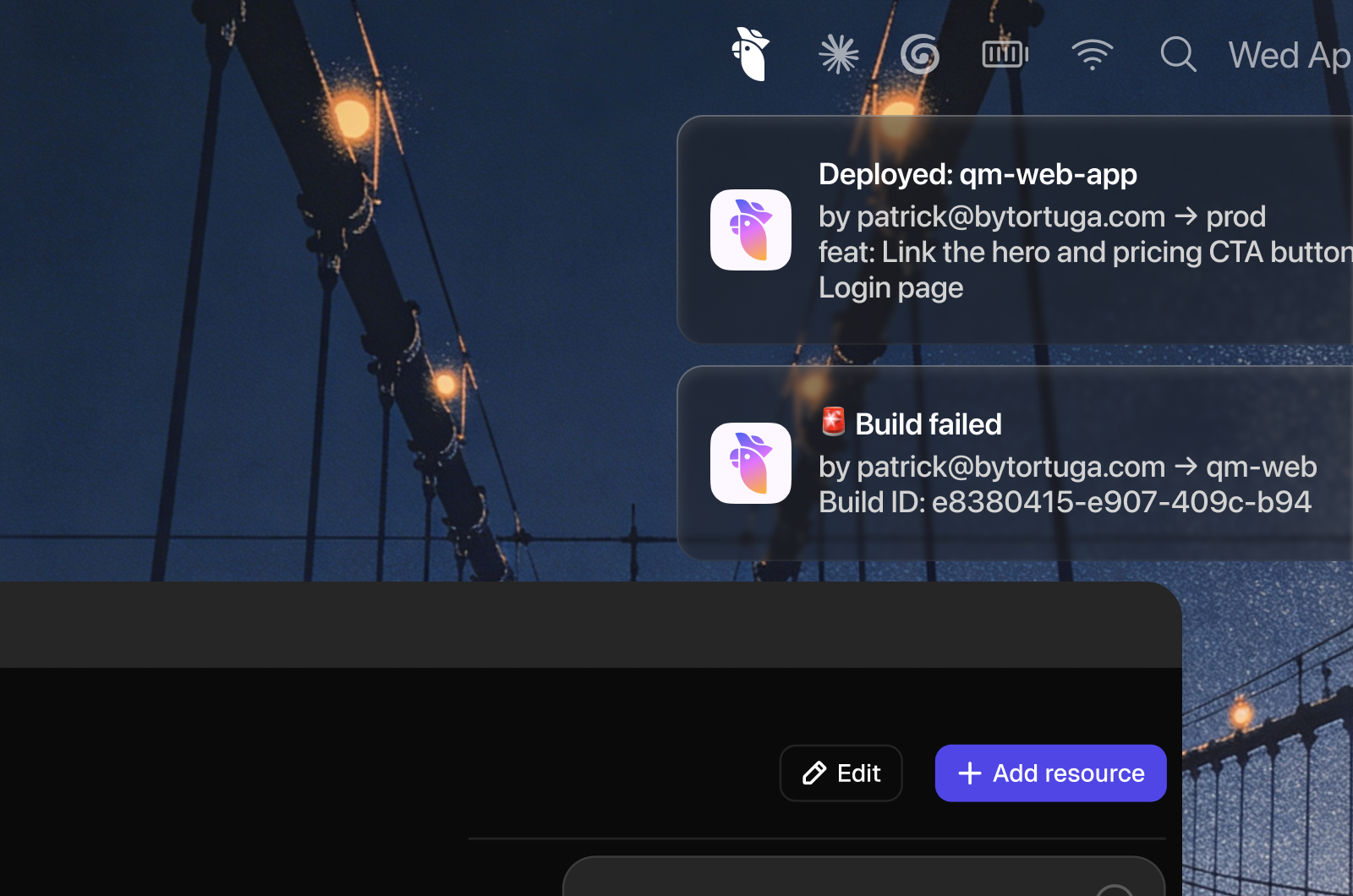
So that became the direction. We started growing Captain into a real notification layer for the whole stack: deploy status, Ready for Dev handoffs from Figma, score updates from Crew, the events you'd otherwise only catch if you happened to have the right tab open. The thing you build is rarely the thing that sticks. Watching where users took Captain on their own is what pointed us at what it could become.
Sunset
We sunset Captain on October 1, 2026. Josh and I are turning our focus toward consumer apps, and Captain was built for a different customer - the builder juggling a dozen dashboards. It's the tool I'd wanted to exist for a long time, and I'm glad we made it. What it taught us about watching where people take a product on their own comes with us.


